10 Tips and Tricks to Get More from Kindle Fire HD

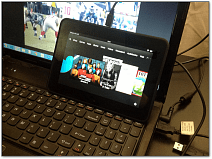
Whether you have a Kindle Fire HD with a 7 or 9-inch display, here’s a round up of some of our best tips and tricks for getting the most out of your tablet.
If you’re a new user of Amazon’s latest tablet, the Kindle Fire HD, or have upgraded from the first gen device, we have you covered. Whether it has a 7 or 8.9 inch model, here’s a round up of some of our best tips and tricks for getting the most out of your tablet.
10 Kindle Fire HD Tips and Tricks
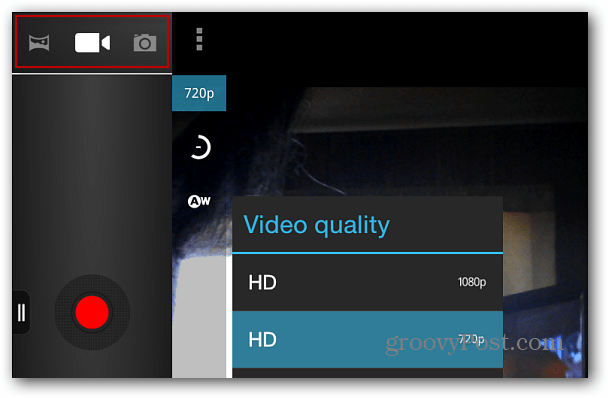
Like the Nexus 7, the Kindle Fire HD has a front-facing camera that’s meant to be used for video calls using Skype. But there’s not an obvious way to use it to take pictures or record personal videos. Here’s how to access the hidden Camera App and shoot video and pictures up to 1080p. You can even take panoramic photos. Sweet!
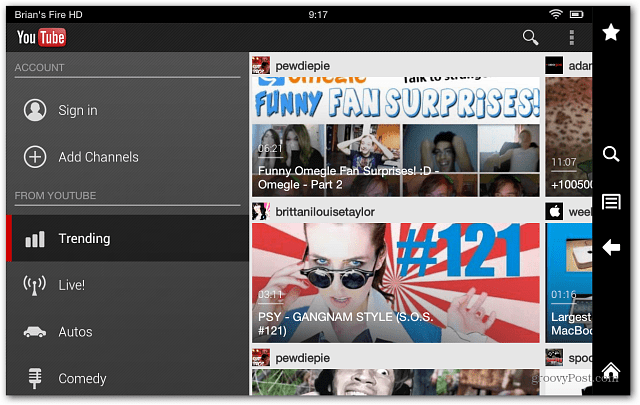
The omission of a YouTube app on a media consumption tablet doesn’t make much sense. With a couple of tweaks in Settings, you can install YouTube on your Fire. This process uses the sideloading technique, which allows you to install other popular apps that aren’t in Amazon’s App Store like Dropbox.
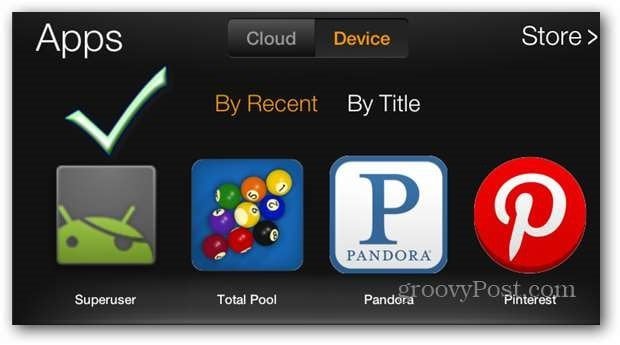
Of course, you know it runs Amazon’s heavily customized version of Android. But you don’t have to limit yourself to just using it as an entertainment device. If you like to tinker with your devices, check out our guide on how to root the Kindle Fire HD the easy way. If you do root the tablet, one of the steps you’ll need to do first is enable USB debugging.
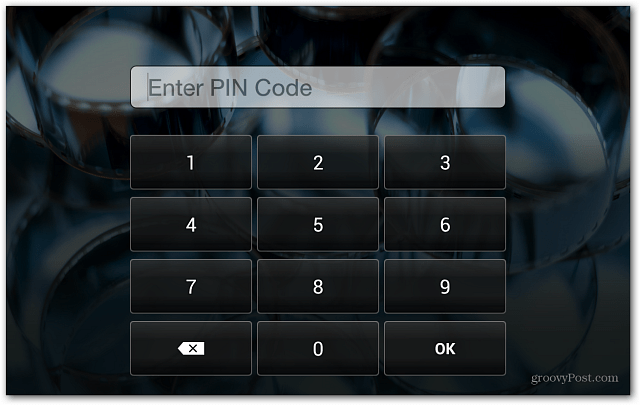
Your tablet is tied to your Amazon account (with a credit card), so you can easily purchase content from the service. To make sure it and your other sensitive data are protected, definitely enable a Lock Screen Password.
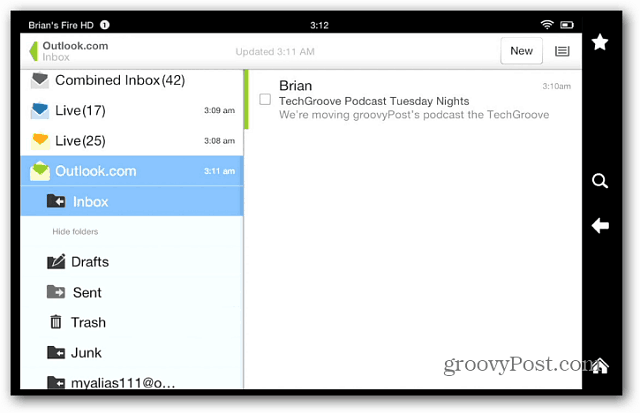
While it’s meant to be used as a media consumption device, you can still be productive on your Kindle Fire. To keep track of what’s going on in between episodes of Game of Thrones, set up your email account on it.
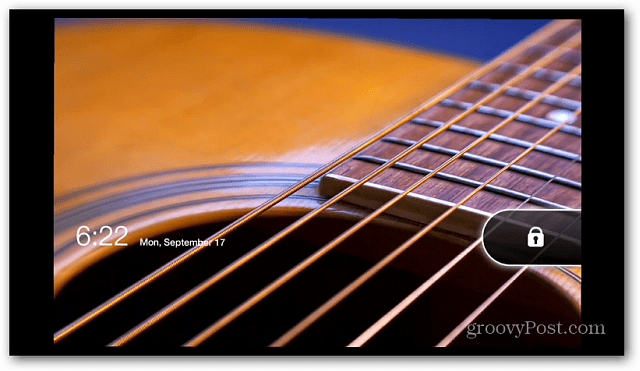
Amazon is able to subsidize the cost of the Fire by displaying full ads on the Lock Screen and text ads inside the device’s interface. I guess I never found them too annoying, and I actually able to find a few good deals. But if you’re not a fan, just disable the lock screen and text ads. Keep in mind that it will cost you a one-time fee of $15.
The Fire makes it easy to stream and download videos, music and other media, but sometimes you want to listen to what you already own. Here’s how to add music files from your PC. You can also add your own videos to it.
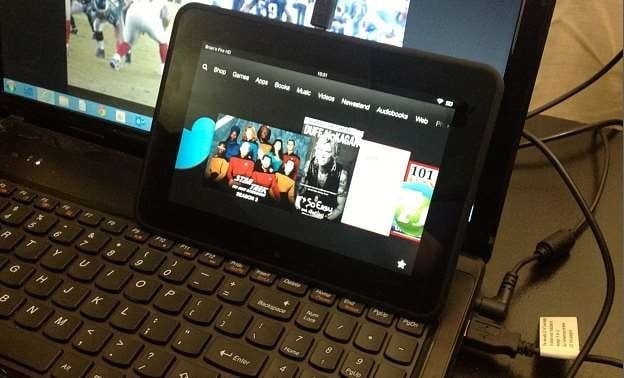
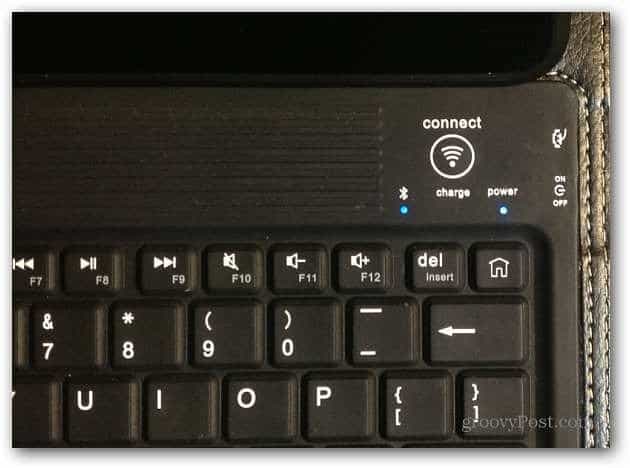
If you want to be more productive, and the onscreen keyboard isn’t enough, connect a Bluetooth keyboard for faster typing.
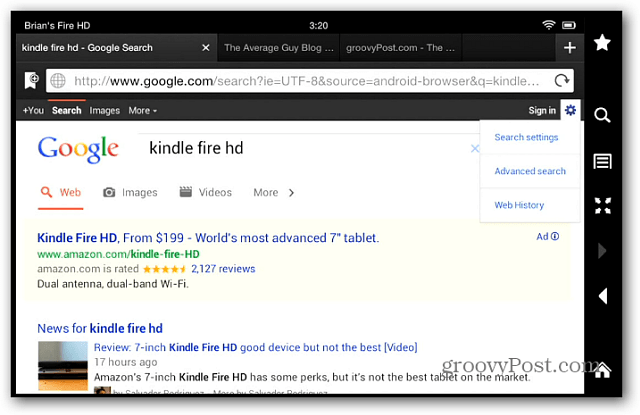
Amazon struck a deal with Microsoft and made the default search engine Bing in the Silk browser. But it’s easy to get your Google back as default search.
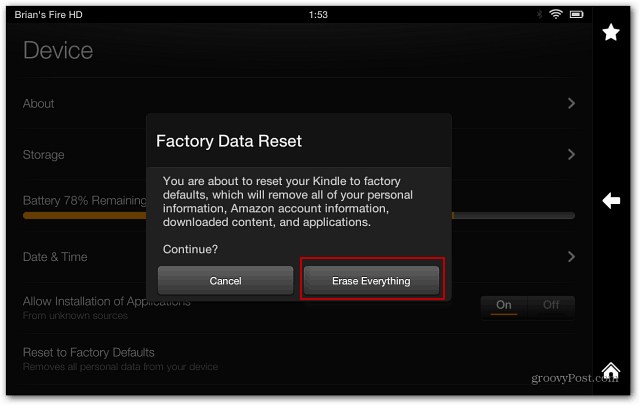
If you want to sell or regift your Fire HD, make sure to erase everything and restore it to back to factory settings.
1 Comment
Leave a Reply
Leave a Reply





Anthony L Attkisson
November 1, 2015 at 5:07 am
How do you connect the KindlefireHDX7 tablet to my Vizio HD TV so that I can watch ESPN3- or the CSPAN-3 channels which are not offered in my area on my DirecTV account? I watched an instruction video on the Kindle fire tablet that explained it but my tablet model doesn’t have a micoconnector port that goes to the other end of the cable’s HDMI connector that plugs into one of the HDTV’s input ports! I don’t understand; why doesn’t my Kindle fire tablet support this? Or do you do it another way such as via blue tooth like the Wi-Fi wireless keyboard I bought? Thanks for your help with my conundrum.